
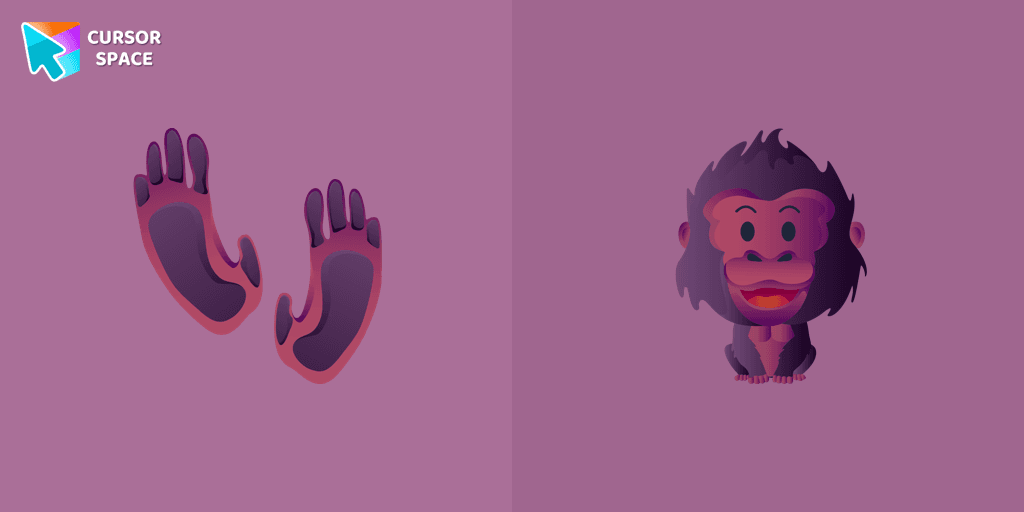
Happy Gorilla cursor
76Free
This gorilla is designed as a custom cursor for the mouse that will replace your default pointer with a cute cursor from our Animals cursors collection for Chrome.
Browse our full collection of custom cursors. Find your next favorite style and install it for free.
This gorilla is designed as a custom cursor for the mouse that will replace your default pointer with a cute cursor from our Animals cursors collection for Chrome.
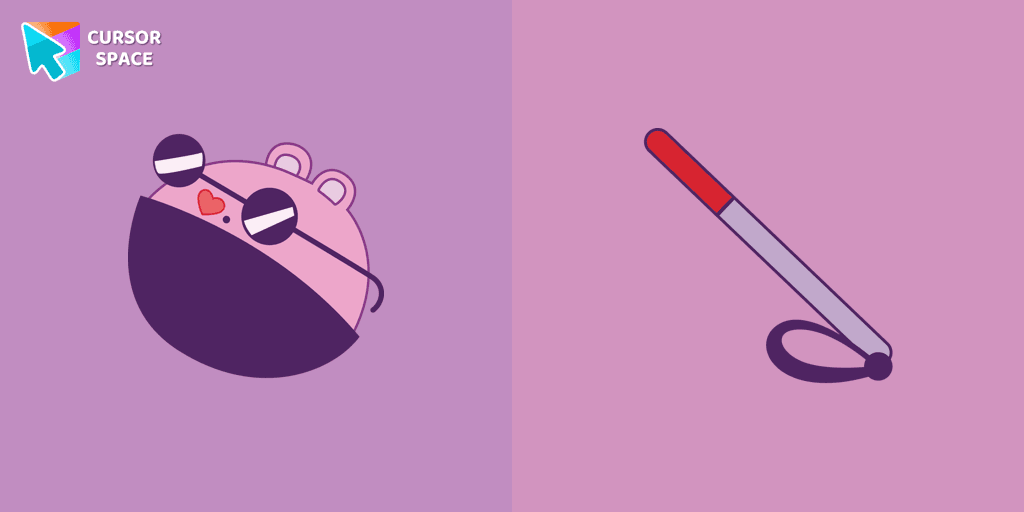
The Mole custom cursor for Google Chrome adds a fun and quirky touch to your browsing. Inspired by a small mole, it brings a playful alternative to the default cursor.
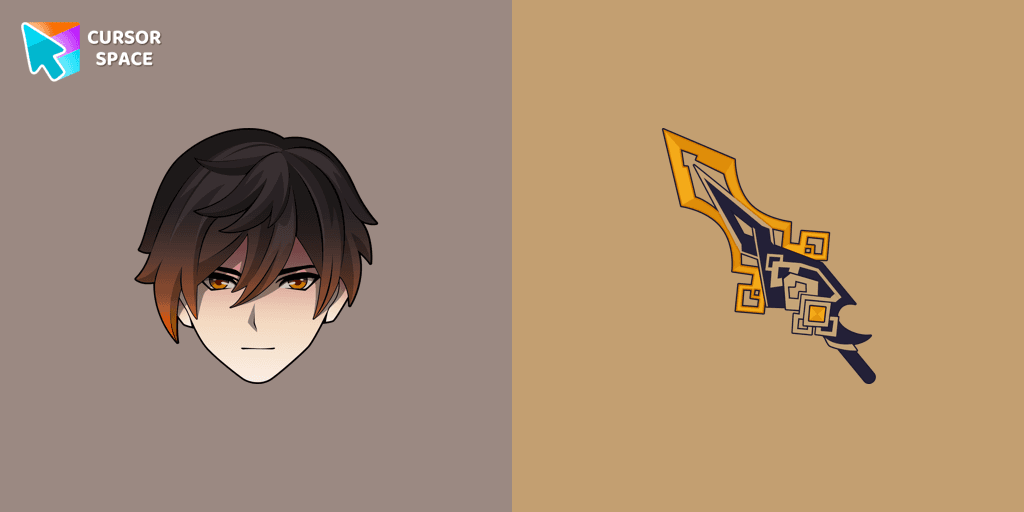
We are glad to present this custom cursor with Zhongli from the adorable custom cursors collection for the mouse and pointer.
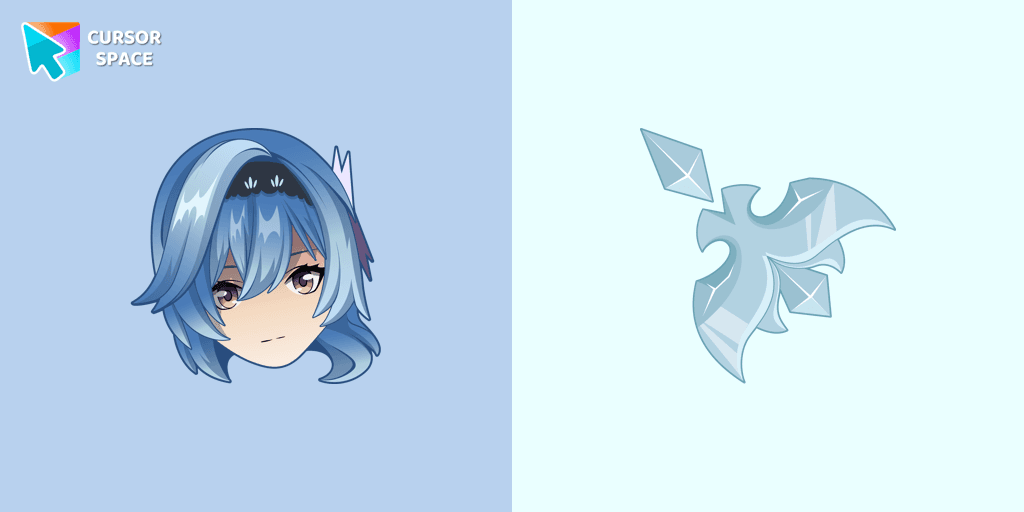
Eula cursor for mouse and custom hover pointer with character's weapon in Genshin Impact collection of custom cursors.
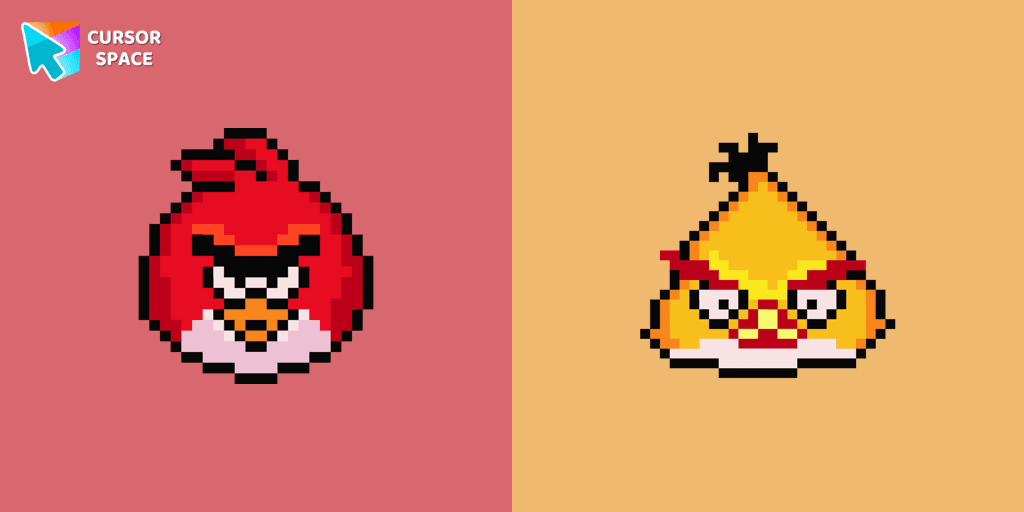
Cute Angry Birds cursor and pointer in our adorable custom cursors collection with Cute Pixel.
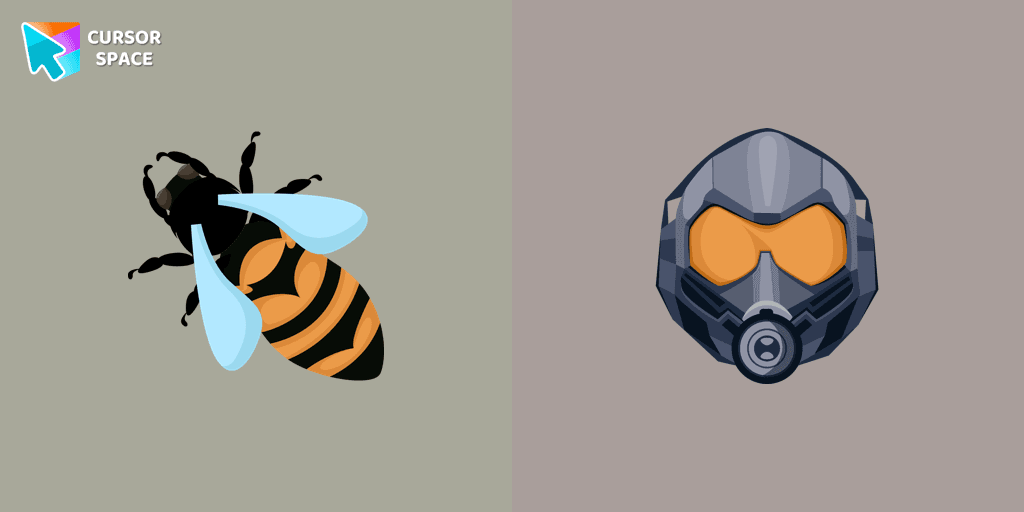
Transform your browsing experience with The Wasp custom cursor for Google Chrome. Navigate with agility like the superhero herself from the Marvel Comics collection.

Enhance your browsing experience with a charming white custom cursor! Swap out the standard pointer and showcase your style with delightful cursors for Chrome.
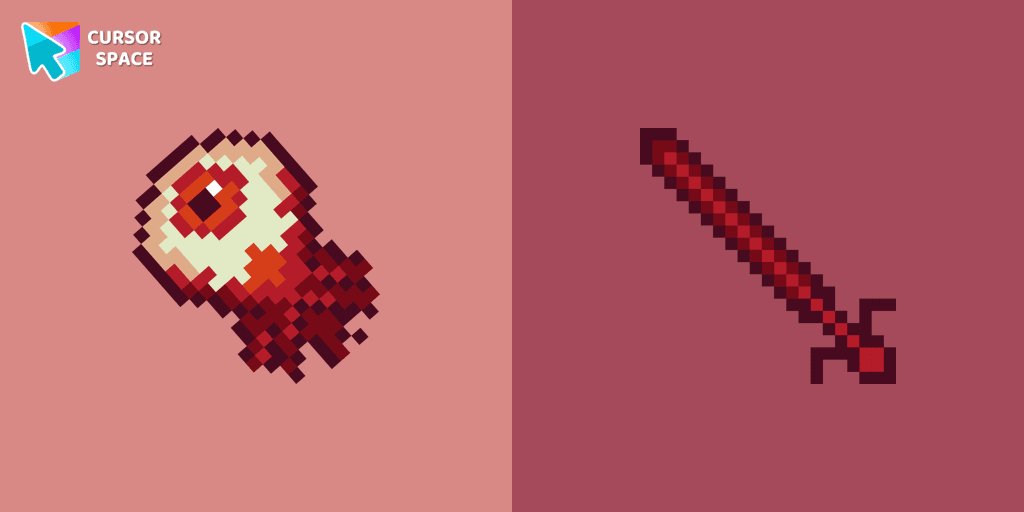
If you want to change your usual cursor to something festive, our Eye Pixel custom cursor for mouse and pointer will be a good match for this job.

Transform your browsing with the Rumor Honeybottoms custom cursor for Google Chrome. This unique cursor brings the iconic Cuphead boss to life on your screen.
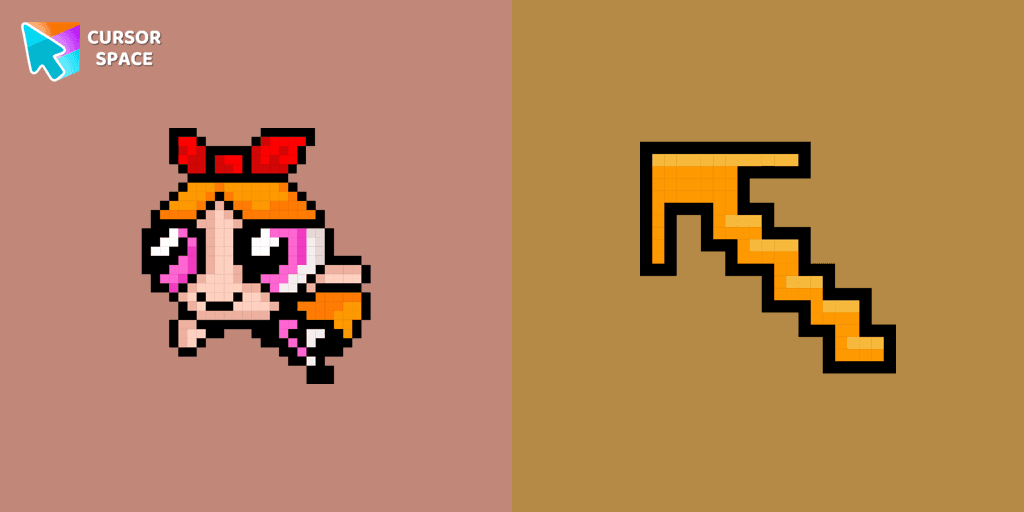
Blossom Pixel Cursor from our Cute Pixel custom cursors collection for Chrome will be the best suite for all fans of the culture of cuteness Pixel art.
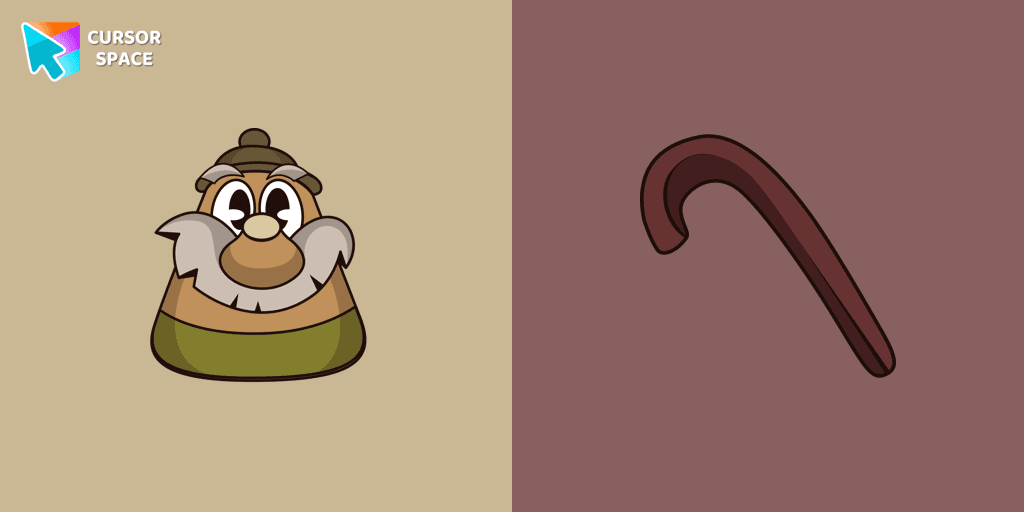
Upgrade your browser with the Elder Kettle custom cursor for Google Chrome. Bring a unique and playful touch to your browsing experience with this fun character.

Among Us Lisa Simpson Character Cursor - Navigating the Game with Intelligence and Wit
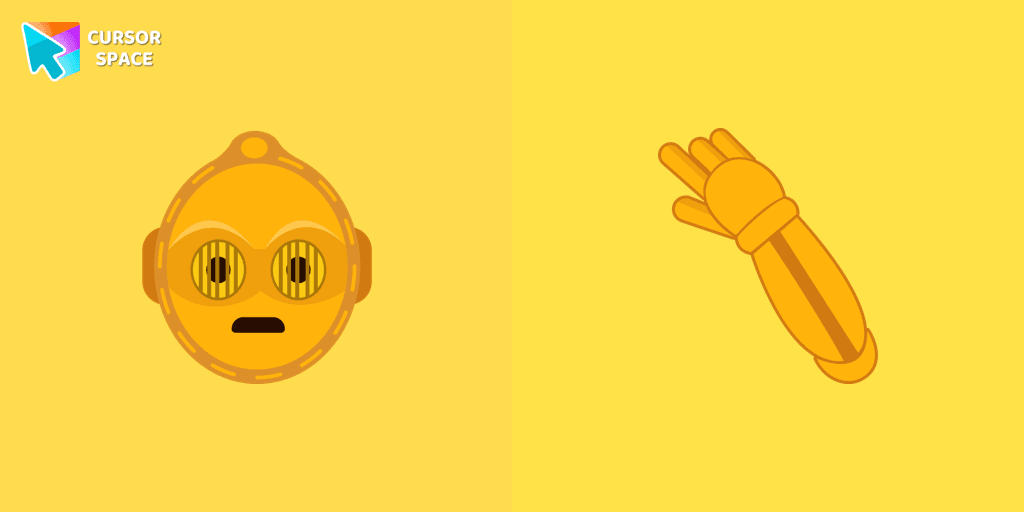
The custom cursor for mouse and pointer from our Star Wars collection will allow you to build a warm relationship with your tab with C-3PO.

Enhance your screen with a chic pink custom cursor from Custom Cursor Space! Transform every click into a vibrant, fun, and uniquely fabulous experience.
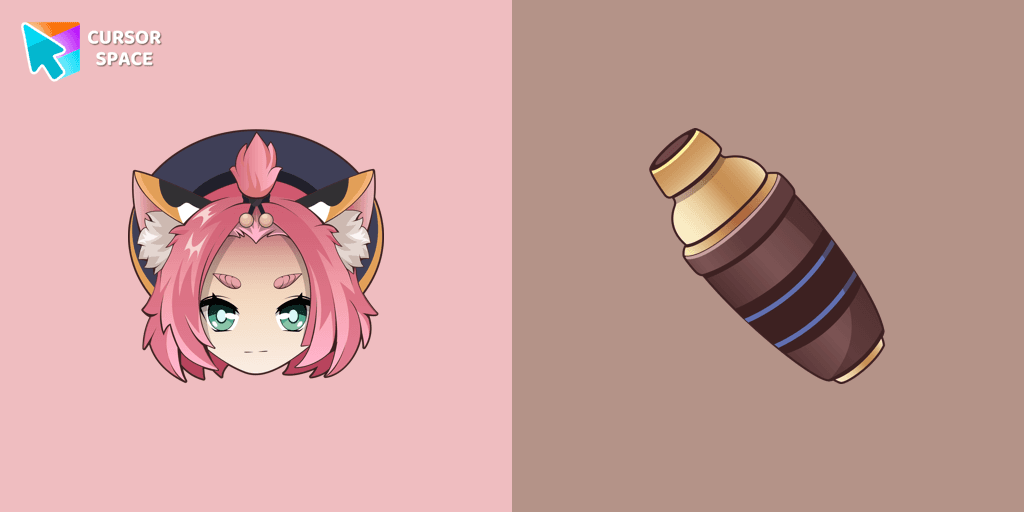
Diona cursor element is a cute custom mouse and pointer cursor with stylish pointing.
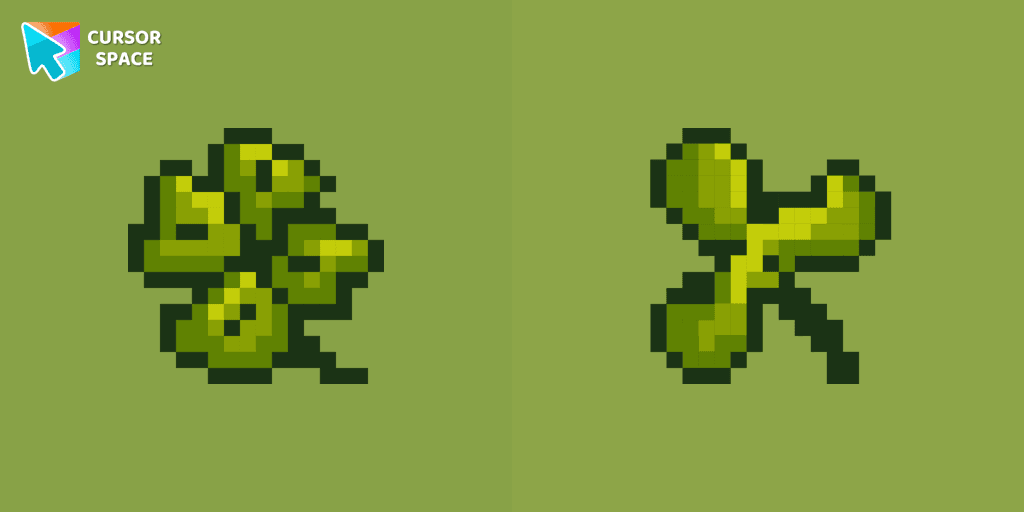
It doesn't take much time to learn our wonderful Pixel Clover, as it is unique in its kind and is available as a custom cursor for mouse and pointer.

Landry pointer for mouse and a funny rubber duck cursor in our custom cursor collection for mouse and pointer in Hello Kitty design.

Unleash Your Inner Warrior with the Among Us Viking Character Cursor

Add a Monkichi cursor from our custom cursors collection for mouse and pointer in Hello Kitty design.
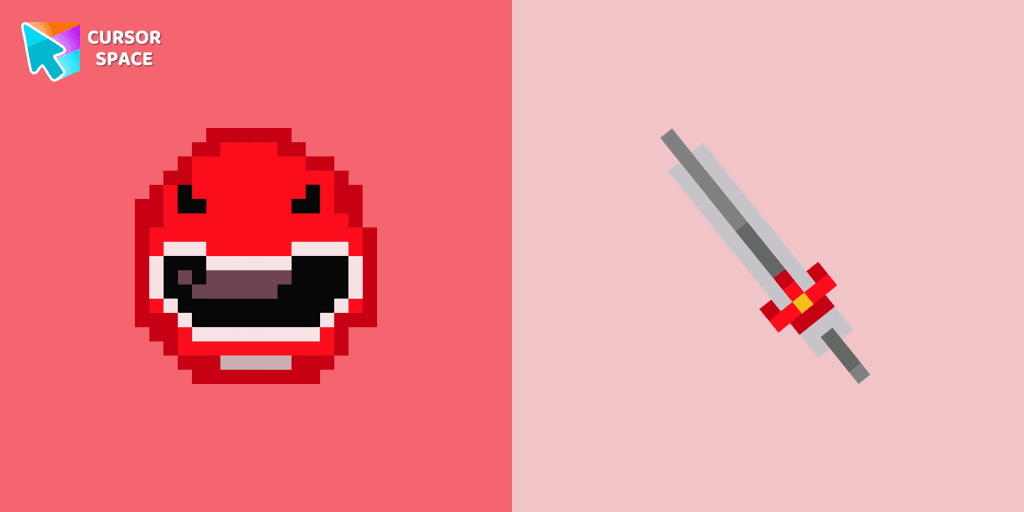
Red Power Ranger Pixel cursor for mouse and custom hover pointer with character's weapon in Cute Pixel collection of custom cursors.
Cursor Space packs include curated cursor sets for everyday browsing: cute, minimal, anime, neon, pixel art, and more. Each pack comes with multiple cursor states (like default and pointer) and can be added to your browser in seconds.
Fresh picks based on what people install most often.
Browse themed sets grouped by vibe and aesthetic.
See weekly, monthly, and all‑time leaders.
Quick answers to common questions about cursor packs, collections, and installation.
Most cursor packs on Cursor Space are free to browse and install. Some packs may be marked premium depending on licensing. The Cursor Space browser extension is free to install from the Chrome Web Store.
Yes. Install the Cursor Space extension for Chromium-based browsers (Chrome, Edge, Brave), open a pack page, and click install/apply. The extension applies the cursor set across your browser.
Open the pack page, click the install or add button, install the Cursor Space extension if prompted, then apply the pack from the extension popup. Your new cursor appears immediately.
Yes. Open the Cursor Space extension, choose another pack, or restore the default system cursor from the extension settings.
Cursor Space is distributed via the Chrome Web Store and Edge Add-ons. Keep the extension updated, and only install packs from trusted catalog pages on this site.